Image Measurement: Accurate Digital Analysis in 2026
Image measurement means calculating exact dimensions, distances, and sizes from digital photos or scans a technology used in medicine, manufacturing, engineering, and everyday photo editing. You can measure the width of a microscopic cell, the length of a bridge span, or the pixel dimensions of a website banner, all from a single digital image.
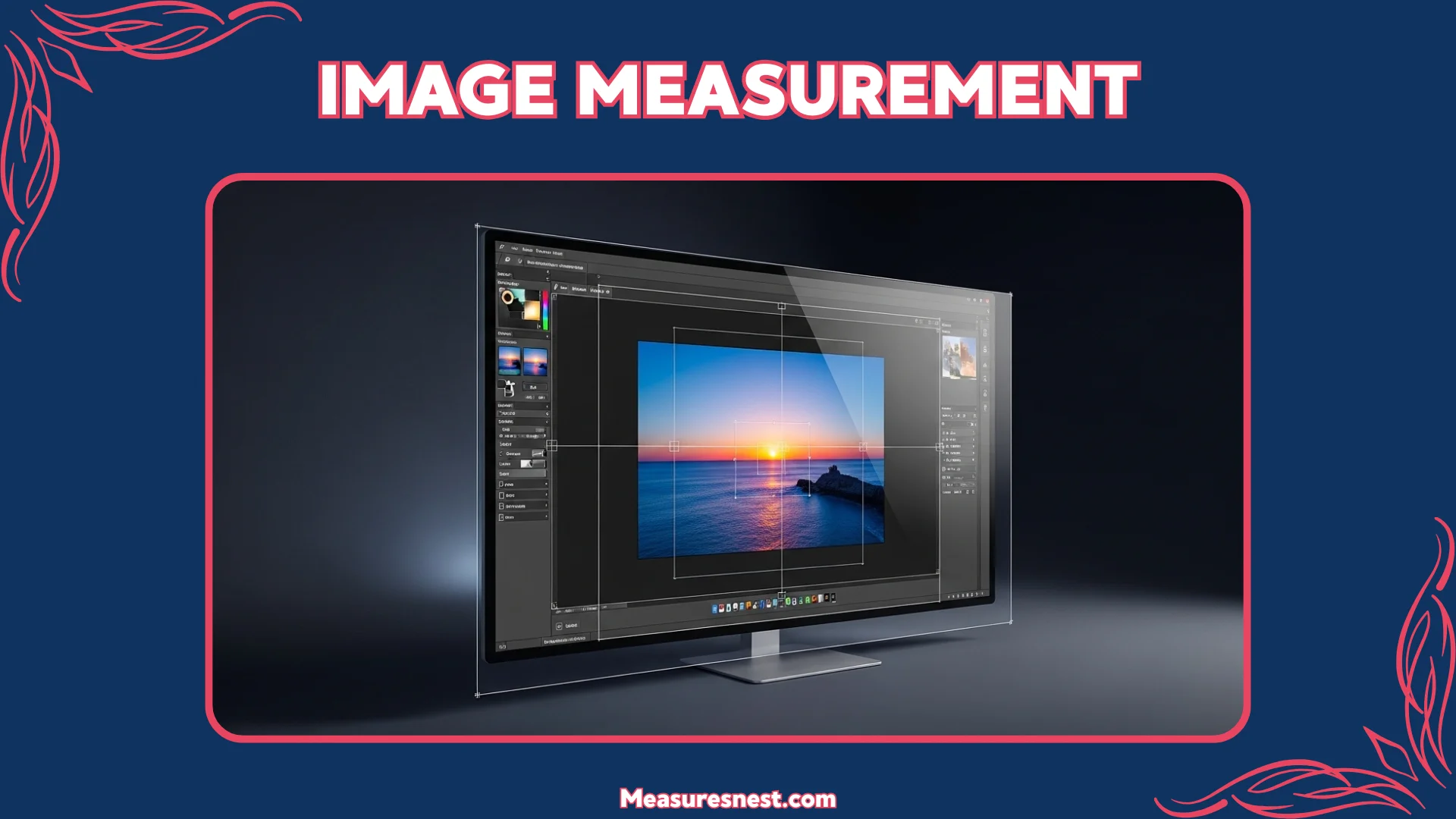
Whether you’re analyzing medical scans, inspecting manufactured parts for quality control, or resizing photos for your online store, understanding image measurement gives you an instant reference point.
Quick Conversion Box
1 pixel (at 72 DPI) = 0.353 mm (0.014 inches)
1 pixel (at 96 DPI) = 0.265 mm (0.010 inches)
1 pixel (at 300 DPI) = 0.085 mm (0.003 inches)
1 inch = 96 pixels (standard screen resolution)
What Is Image Measurement?
Image measurement is the process of extracting real-world dimensions and distances from a digital image using software, calibration references, or built-in camera data. It turns a flat photograph into a precise measurement tool letting you calculate that a bone fracture gap is 2 mm (0.08 inches) wide, or that a manufactured part measures exactly 150 mm (5.91 inches) in length, without touching the physical object at all.
The key to accurate image measurement is calibration giving your software a known reference point. You might include a ruler, a coin, or a calibration scale in your photo. Your measurement software then uses that reference to calculate all other dimensions in the same image.
Image measurement works at every scale. Forensic scientists use it to measure bullet trajectories from crime scene photos. The same core principles apply whether you’re measuring a 1 mm (0.04 inch) microchip component or a 1 km (0.62 mile) stretch of coastline.
Essential Image Measurement Techniques You Need to Know
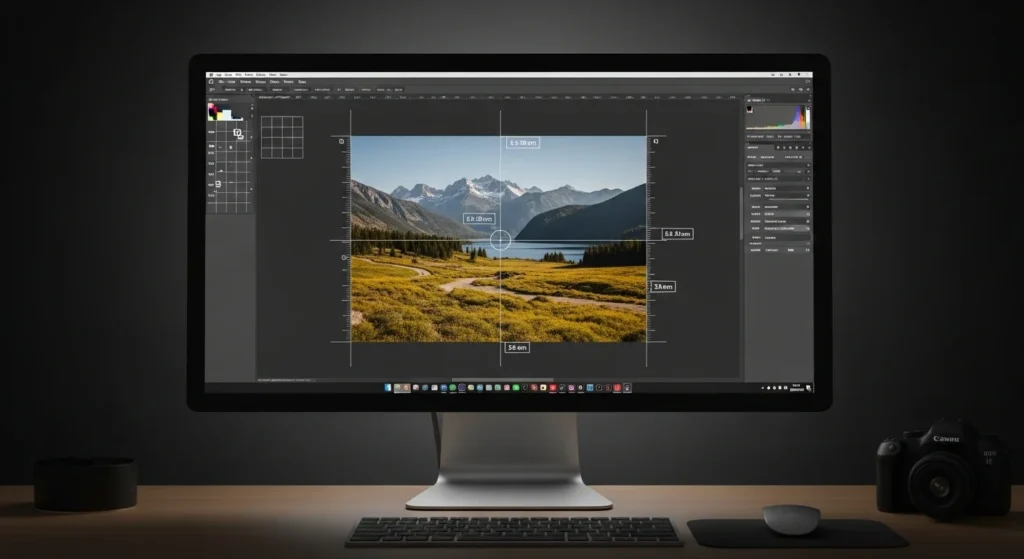
Knowing the right technique for your specific task saves you time and gives you more accurate results. Some measurements are simple point-to-point distances. Others involve complex shape analysis that requires specialized software.
Basic Measurement Methods
Point-to-Point Distance Measurement is the most common technique. You click on two points in your image a start and an end and your software calculates the straight-line distance between them.
Area Measurement calculates the total surface area of a region in your image. You draw a shape around the area you want to measure a wound, a defect on a manufactured surface, or a geographic region on a map and the software calculates the area in pixels, square millimeters, or square inches.
Angle Measurement calculates the angle between two lines in an image. Orthopedic surgeons measure bone angles from X-rays to diagnose scoliosis and joint problems. Engineers measure component angles in design drawings. Dentists measure jaw angles from dental X-rays.
Perimeter Measurement calculates the outer boundary length of any shape in your image. Wound care nurses measure perimeter to track healing progress. Quality inspectors measure the perimeter of a stamped metal part to verify it matches the design specification.
Advanced Measurement Capabilities
3D Measurement from 2D Images uses mathematical models to reconstruct depth information from flat photographs. Photogrammetry software analyzes multiple photos of the same object taken from different angles and builds a precise 3D model with accurate dimensions in all three directions.
Sub-Pixel Measurement achieves accuracy finer than a single pixel by using mathematical interpolation between pixels. Standard pixel-level measurement has a maximum accuracy of ±1 pixel (±0.265 mm at 96 DPI). Sub-pixel techniques push accuracy to ±0.1 pixels (±0.03 mm) or better critical in semiconductor inspection, microbiology, and precision manufacturing where tiny errors cause product failures.
Automated Object Detection and Measurement uses AI and machine learning to automatically locate and measure specific objects in an image without manual input.
Calibration-Based Real-World Scaling uses a known reference object in the image a ruler, a scale bar, or a calibration target to translate pixel measurements into real-world units.
Top Industries Using Image Measurement Technology
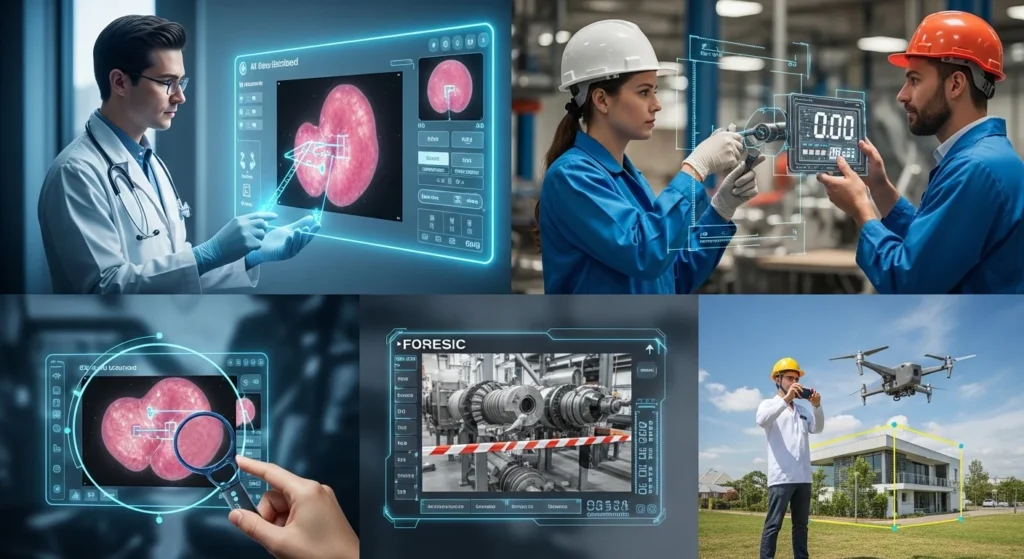
Image measurement technology appears across more industries than most people realize. From hospital radiology departments to automotive factories, accurate measurement from images is saving time, reducing errors, and improving decisions every day.
Medical Imaging
Radiologists, surgeons, and diagnostic specialists measure tumor sizes, bone dimensions, organ volumes, and fracture gaps from X-rays, MRI scans, and CT images daily. A radiologist might measure a lung nodule at 8 mm (0.31 inches) in diameter and compare it to previous scans to track growth.
Medical image measurement software must meet strict accuracy standards typically within ±1 mm (±0.04 inches) for diagnostic measurements. FDA-approved and CE-marked medical imaging systems go through rigorous validation to ensure their measurements are consistent and legally defensible in clinical practice.
Manufacturing and Quality Control
Quality engineers and production inspectors use image measurement to verify that manufactured parts match their design specifications exactly. A camera mounted above an assembly line captures images of every part as it passes.
Modern manufacturing tolerances can be incredibly tight. A precision aerospace component might need to measure 50.00 mm ± 0.05 mm (1.969 inches ± 0.002 inches).
Forensic Investigation
Forensic scientists, crime scene investigators, and legal experts use image measurement to document evidence dimensions from crime scene photographs. A forensic analyst might measure the distance between bloodstain drops, the width of a tire track, or the size of a wound from high-resolution photographs taken at a crime scene.
Forensic image measurement follows strict protocols every measurement includes a reference scale bar in the original photograph so any expert can verify the measurements independently. Accuracy standards for forensic evidence typically require ±1 mm (0.04 inches) or better for physical evidence documentation.
Construction and Architecture
Architects, structural engineers, and building inspectors measure dimensions from drone photographs, building surveys, and architectural drawings using image measurement tools. A drone survey of a construction site can produce a photogrammetric model accurate to ±10 mm (0.39 inches) enough to verify that walls, columns, and beams are positioned correctly without a surveyor physically measuring every point.
Building inspection teams use image measurement to assess crack widths in concrete structures. A crack wider than 0.3 mm (0.012 inches) in reinforced concrete typically requires repair image measurement software detects and measures these cracks from inspection photos faster than visual inspection alone.
Agriculture and Environmental Science
Agronomists, ecologists, and environmental scientists measure plant growth, field coverage, forest density, and land use change from satellite and drone images. An agronomist might measure average crop row spacing at 45 cm (17.72 inches) across an entire field from a single drone image helping optimize irrigation and fertilizer application patterns.
Ecological researchers track deforestation by measuring forest cover area from satellite imagery over time. Image measurement tools make it possible to monitor changes across thousands of square kilometers from a desktop computer, work that would take years of field surveys to complete manually.
Image Measurement Chart
Use this reference chart to understand image measurement specifications across the most common use cases.
DPI and Real-World Pixel Size
| DPI Setting | Pixels per Inch | 1 Pixel = mm | 1 Pixel = inches | Common Use |
|---|---|---|---|---|
| 72 DPI | 72 px/in | 0.353 mm | 0.014 in | Web display, screen viewing |
| 96 DPI | 96 px/in | 0.265 mm | 0.010 in | Windows standard screen |
| 150 DPI | 150 px/in | 0.169 mm | 0.007 in | Medium-quality print |
| 300 DPI | 300 px/in | 0.085 mm | 0.003 in | High-quality print, photography |
| 600 DPI | 600 px/in | 0.042 mm | 0.002 in | Document scanning, archiving |
| 1200 DPI | 1200 px/in | 0.021 mm | 0.001 in | Fine art, microscopy |
Accuracy Standards by Industry
| Industry | Required Accuracy | Measurement Type | Standard Tool |
|---|---|---|---|
| Medical Imaging | ±1 mm (±0.04 in) | Length, area, volume | FDA-approved DICOM software |
| Manufacturing QC | ±0.05 mm (±0.002 in) | Length, diameter, angle | Machine vision system |
| Forensic Science | ±1 mm (±0.04 in) | Length, area, pattern | Calibrated forensic software |
| Architecture | ±10 mm (±0.39 in) | Length, area, volume | Photogrammetry software |
| Agriculture | ±50 mm (±1.97 in) | Area, distance | Drone + GIS software |
| Microscopy | ±0.001 mm (±0.00004 in) | Length, area | Calibrated microscope software |
Common Image Measurement Software
| Software | Type | Best For | Cost |
|---|---|---|---|
| ImageJ / FIJI | Free, open-source | Science, research, medicine | Free |
| Adobe Photoshop | Commercial | Photography, design | Subscription |
| AutoCAD | Commercial | Engineering, architecture | Subscription |
| MATLAB Image Toolbox | Commercial | Engineering, automation | Subscription |
| Cognex VisionPro | Industrial | Manufacturing QC | Enterprise pricing |
| Agisoft Metashape | Commercial | Photogrammetry, 3D | One-time purchase |
| GIMP | Free, open-source | General photo editing | Free |
How to Choose the Right Image Measurement Tool
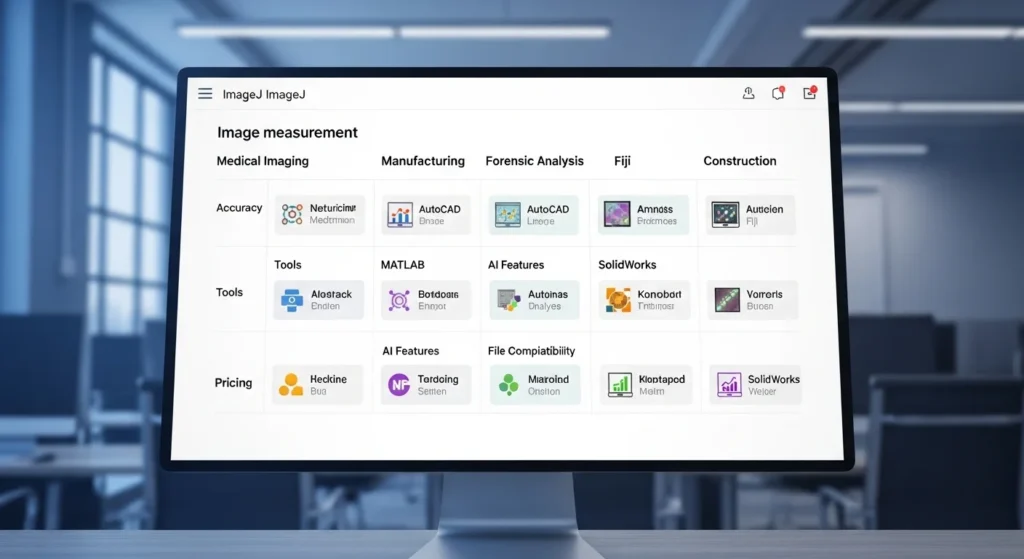
Choosing the wrong tool wastes time and produces inaccurate results. Match your measurement tool to your specific task, accuracy requirement, and budget.
For science and research: Use ImageJ (free, open-source). It’s the global standard for scientific image analysis used by researchers at universities and hospitals worldwide. It supports calibration, area measurement, particle counting, and distance tools. Millions of published research papers cite ImageJ measurements.
For manufacturing and quality control: Use a dedicated machine vision system from brands like Cognex, Keyence, or Basler. These systems integrate directly with production lines and measure parts in real time at speeds of hundreds of parts per minute. They offer sub-pixel accuracy at ±0.01 mm (±0.0004 inches) or better essential for high-precision manufacturing.
For forensic and legal work: Use calibrated forensic software approved for legal use in your jurisdiction. Every forensic measurement tool must produce results that can be independently verified and defended in court. Ensure your software includes a full audit trail of measurement parameters and calibration data.
For photography and design: Use Adobe Photoshop or GIMP for pixel-level measurements of image dimensions, canvas size, and layout spacing. Both tools display measurements in pixels, inches, centimeters, and millimeters simultaneously giving you full control over image sizing for print and web use.
For architecture and construction: Use photogrammetry software like Agisoft Metashape or drone survey platforms like DJI Terra. These tools generate accurate 3D models from drone photos with real-world scale measuring to ±10 mm (±0.39 inches) accuracy across large areas.
Image Size Measurement Width, Height, File Size
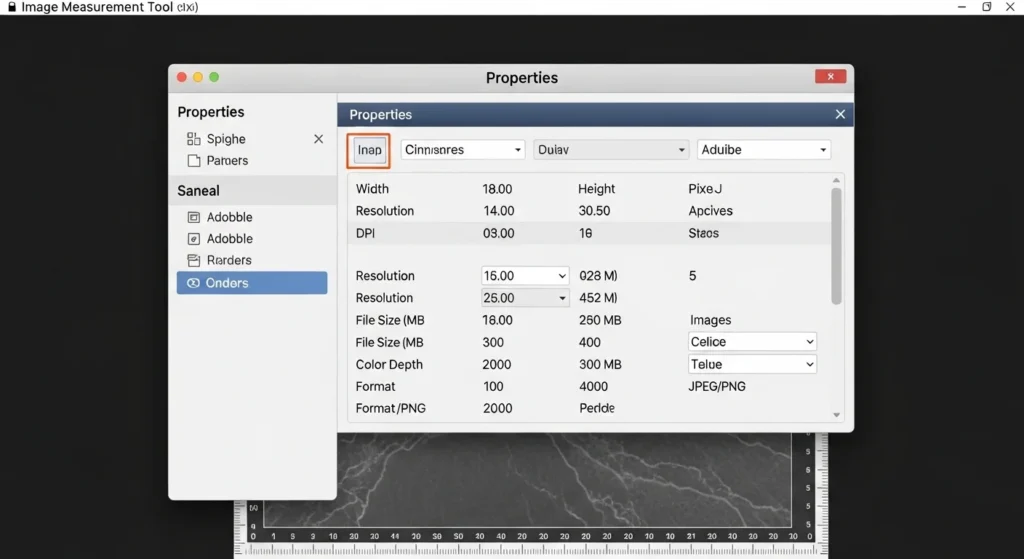
Understanding your image’s physical dimensions, pixel dimensions, and file size helps you use images correctly for print, web, and digital displays.
Pixel Dimensions describe an image’s width and height in pixels. A standard HD photo might be 1920 × 1080 pixels 1,920 pixels wide and 1,080 pixels tall. A high-resolution print photo might be 6000 × 4000 pixels. Pixel dimensions tell you the total amount of visual data in the image, regardless of how large it displays on screen.
Physical Dimensions describe how large the image prints or displays at a specific DPI setting. A 3000 × 2000 pixel image at 300 DPI prints at exactly 10 × 6.67 inches (25.4 × 16.93 cm). The same image at 72 DPI would print at 41.67 × 27.78 inches (105.84 × 70.56 cm) much larger but lower quality. Always match your DPI setting to your intended use before printing.
File Size measures how much storage space your image occupies on disk. File size depends on pixel dimensions, color depth, and file format. A 6000 × 4000 pixel RAW photo might be 25 MB (megabytes), while the same photo exported as a compressed JPEG might be 5 MB (megabytes).
Standard Image Dimension Reference
| Use Case | Recommended Pixels | DPI | Physical Size |
|---|---|---|---|
| Website banner | 1200 × 400 px | 72–96 DPI | Screen only |
| Social media post | 1080 × 1080 px | 72–96 DPI | Screen only |
| Standard print photo | 1800 × 1200 px | 300 DPI | 6 × 4 in (15.24 × 10.16 cm) |
| A4 print document | 2480 × 3508 px | 300 DPI | 8.27 × 11.69 in (21 × 29.7 cm) |
| Large format poster | 7200 × 5400 px | 150 DPI | 48 × 36 in (121.9 × 91.4 cm) |
| Microscopy image | Variable | 600–1200 DPI | Calibrated to real scale |
Performing Your First Image Measurement
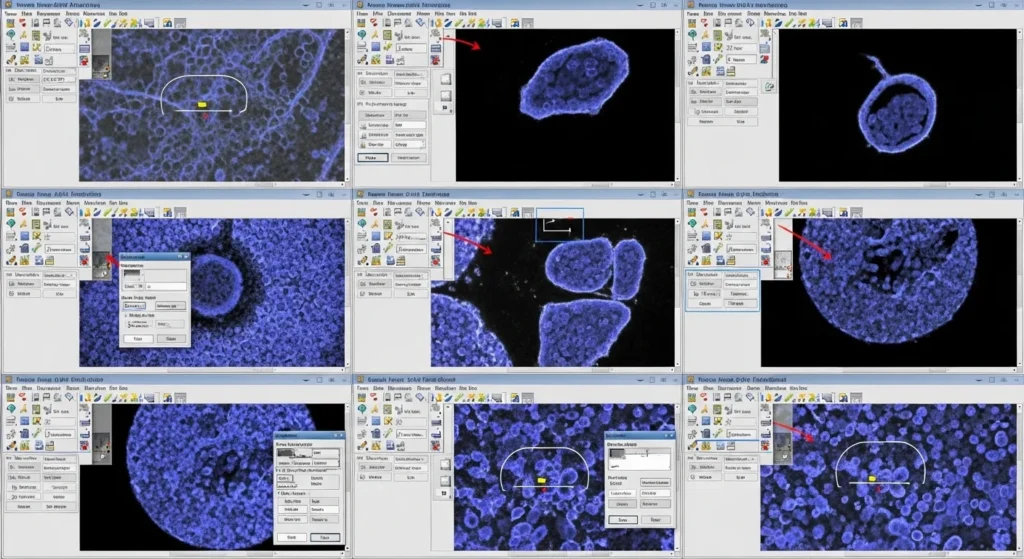
You can perform your first accurate image measurement in minutes using free tools. Follow these steps to get a reliable, calibrated measurement from any photograph.
Step 1 Prepare your image. Use the highest resolution photo available. More pixels mean more measurement detail and better accuracy. Ensure your image includes a reference object with a known size a ruler, a coin, or a scale bar.
Step 2 Open ImageJ (free download at imagej.net). ImageJ is the most widely used free measurement tool in science and medicine. Open your image file using File → Open. Your image displays in the main window, ready for calibration and measurement.
Step 3 Set your scale (calibrate). Select the straight line tool from the toolbar. Draw a line along your known reference object for example, along a 10 cm (3.94 inch) ruler marking. Then go to Analyze → Set Scale. Enter the known distance (100 mm or 3.94 inches) and your unit of measurement.
Step 4 Measure your target. Draw a line from one end of the object you want to measure to the other. Go to Analyze → Measure. ImageJ displays the measurement in your chosen unit millimeters, centimeters, or inches based on your calibration. The measurement appears in a results table that you can copy, save, or export to a spreadsheet.
Step 5 Record and verify. Write down your measurement along with the calibration reference you used, the image file name, and the date. Repeat the measurement two or three times and average the results to reduce human error.
Read: Badminton Court Dimensions
Read: Bowling Lane Dimensions
Read: Can Koozie Dimensions
Read: Kitchen Trash Can Dimensions
Read: Soup Can Dimensions
Read: Buttload Measurements
Frequently Asked Questions
What is image measurement and how does it work?
Image measurement is the process of calculating real-world dimensions from a digital image using software and a calibration reference. You include a known object (like a ruler) in your photo, tell your software its real size, and the software scales all other measurements in the image proportionally. It works at any scale from 0.001 mm (0.00004 inches) in microscopy to kilometers (miles) in satellite imagery.
What software do I need for image measurement?
ImageJ is the best free option for most users it’s used by researchers, doctors, and scientists worldwide. For professional manufacturing, machine vision systems from Cognex or Keyence offer automated, sub-pixel accuracy. Adobe Photoshop and GIMP work well for measuring pixel dimensions in photos and design files.
How accurate is image measurement?
Accuracy depends on image resolution, calibration quality, and measurement technique. Standard calibrated image measurement achieves ±1 mm (±0.04 inches) accuracy for most applications. Advanced sub-pixel techniques reach ±0.01 mm (±0.0004 inches).
What is DPI and why does it matter for image measurement?
DPI (dots per inch) tells you how many pixels fit inside one inch of a printed or scanned image. At 96 DPI, one pixel equals 0.265 mm (0.010 inches). At 300 DPI, one pixel equals 0.085 mm (0.003 inches).
Can I measure images from my smartphone photos?
Yes smartphone photos work well for image measurement with the right approach. Modern smartphones capture images at 12 to 200 megapixels with sufficient resolution for most measurements. Always include a calibration reference (a ruler or coin) in your photo. Use apps like Ruler AR, ImageMeter, or desktop tools like ImageJ to calibrate and measure.
Conclusion
Image measurement appears constantly in your daily life through medical scans, product quality inspections, forensic evidence photos, and everyday photo resizing tasks. This precise technology works from the scale of 0.001 mm (microscopy) all the way to kilometers (satellite mapping) using the same core calibration principles at every scale.
Now that you understand image measurement techniques, software options, and accuracy standards, you can calibrate your own images for measurement, choose the right tool for your industry, and produce results you can trust and verify.